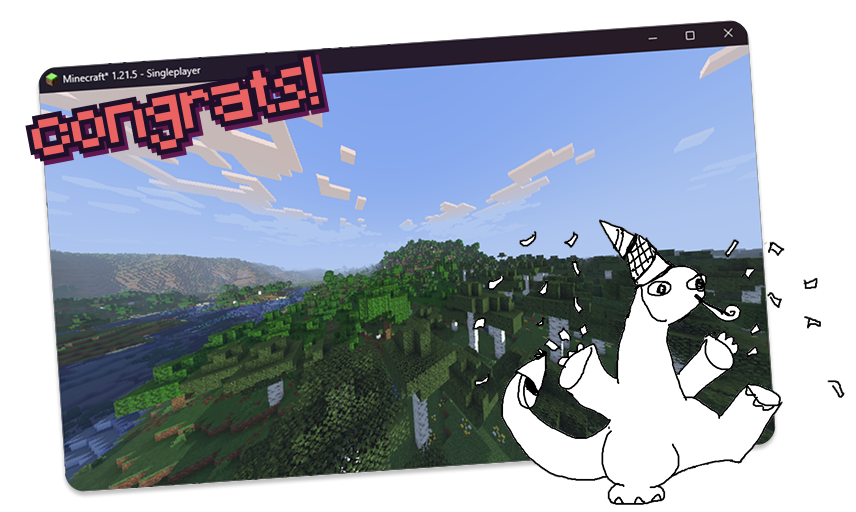
Congrats! You just made your very first Minecraft shader. There’s a lot of directions where you can take it - make it stylized, realistic, wacky, whatever your heart desires!
If you aren’t familiar with GLSL, you can learn more from The Book of Shaders. This series also explains some techniques more in-depth!
The Iris docs are also a great resource. This guide was actually based on the original Iris tutorial! There’s a few items you can check off in their Next Steps chapter.
If you’re looking for a community to reach out for help, check out the shaderLABS Discord server and the Iris Discord server.
Here’s a bunch of other helpful resources:
- 3blue1brown’s linear algebra series. Linear algebra encapsulates vector and matrix operations - something very handy for shader development.
- Iris reference docs. You can see all of the uniforms, programs, etc. that Iris offers.
- shaderLABS’s shader tricks that are quite useful to know.
- ShaderToy - a sandbox to test out GLSL shaders over a whole screen. Similar to how
compositeworks! - Modrinth, where you can show your shader to the whole world!
If you’re a teenager 13 - 18, we’re also giving away free GPUs and Minecraft licenses for shaders that are submitted to Lumen. All you have to do is track your time while doing so!


